Salesforce Starter vs Professional Plan Differences
Starter targets first-time CRM users; Pro Suite fuels companies ready for complex automation.

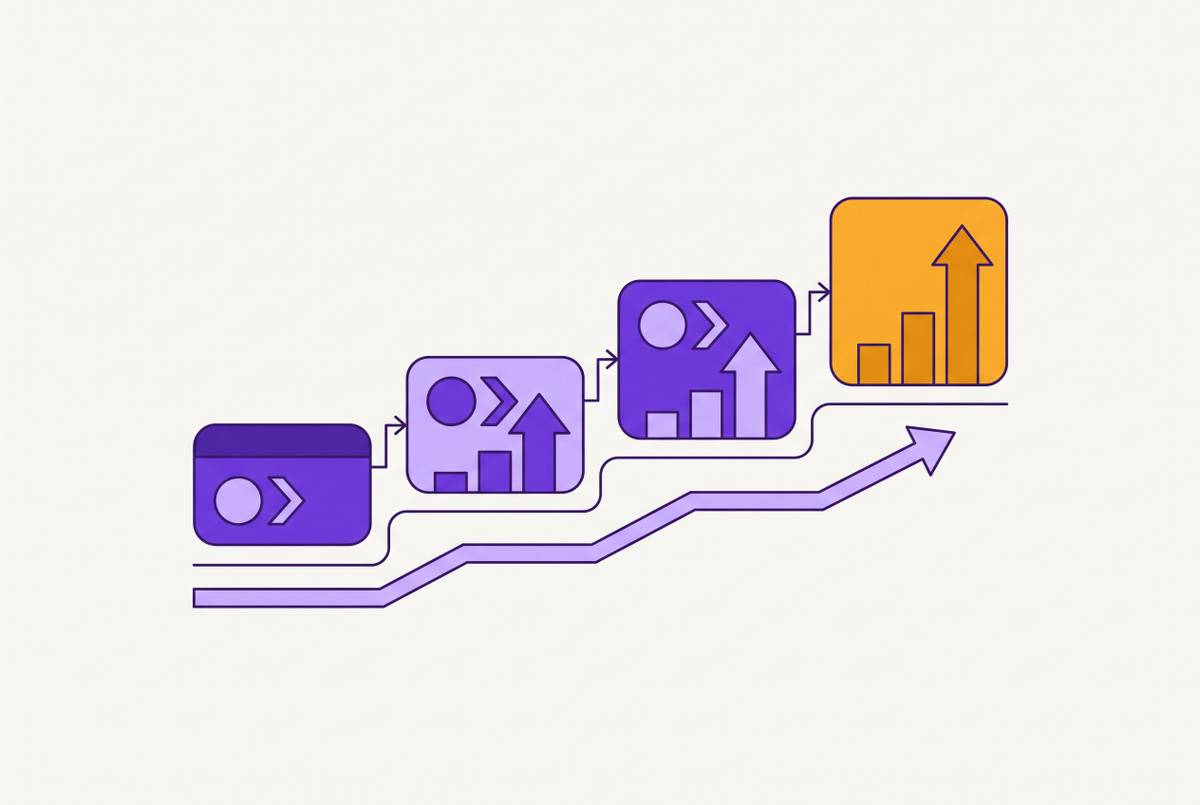
Many treat Salesforce's Starter and Pro offerings as simply scaled versions of one platform, but that view obscures their true distinction. What truly divides them is operational: Starter serves teams adopting their first CRM, whereas Pro Suite targets companies that have moved past ad hoc record keeping. When a company makes this choice, budget matters less than its current stage of expansion, so it pays to evaluate that difference thoroughly prior to committing to a yearly agreement.
Why Starter Suite and Pro Suite Are Structurally Different
Salesforce's product descriptions reveal this distinction. Starter Suite targets "made for small businesses that have some exposure to CRM and need more features and flexibility," whereas Pro Suite serves "created for maturing businesses that need flexibility, automation, and light integrations." That "maturing" label carries significant weight. The reference is not to a firm with deeper pockets or a lengthier list of desired features. It points to a firm at another point in operational maturity, one that has hit the ceiling of improvised workflows and requires systems capable of absorbing greater complexity without failing.
Salesforce's own comparison pages make the same point more quietly: Starter, they say, will help teams "grow fast," and Pro Suite, in turn, will help them "grow faster." None of that is mere marketing flourish. The suggestion is that Starter works as groundwork, the place where a business first settles into real CRM habits, whereas Pro Suite acts as fuel for a business already in motion that wants more speed, not a change of course. Labeling one edition "basic" and the other "advanced" hides what matters more: not which features fit a budget, but how heavy a load a company's current processes can carry before they give way. Everything that comes after this point simply unpacks that single question.
What Starter Suite Includes
Starter Suite functions as a complete CRM in its own right, made for companies whose selling and support cycle is fairly simple. It handles leads, accounts, contacts, and opportunities, and it includes ready-made selling workflows that guide a rep from initial outreach through to close. It connects to Gmail and Outlook for messaging, and its marketing side brings dynamic email campaigns with templates that can be tailored, along with analytics for each campaign, plus Einstein Send Time Optimization, offered separately in the marketing toolset rather than inside the inbox integration. For service, Starter handles cases at a simple level, while commerce comes as a straightforward digital storefront with payment links. Dashboards arrive ready-built and simple to scan, sales reporting is included, and everything runs on a mobile app. Salesforce describes the audience as having "some exposure to CRM," and for a small team of that kind, it is a genuinely solid place to start.
The more useful lesson in Starter Suite lies in what gets left out, since the missing pieces reflect the product's underlying structure rather than surface-level trimming. With no sales forecasting built in, projecting revenue means doing the math somewhere other than Salesforce, most often in a spreadsheet. Without quote-building capability, pricing proposals must be assembled in another tool and then re-entered manually. Lacking any path to the AppExchange, the full network of third-party add-ons that Salesforce has cultivated around its flagship product effectively does not exist here. Without a developer sandbox, configuration edits hit production immediately, so errors reach actual customer records before anyone can test for them. Automated workflows remain basic, and mass emailing is restricted because the platform cannot run multi-stage nurture sequences. These limitations do not render Starter inadequate. Instead, Starter targets companies with clear requirements that haven't accumulated enough operational weight to feel these gaps.
The three capabilities Pro Suite adds that change how a business runs
What distinguishes Pro Suite isn't a more polished version of what Starter does, but the way the three most consequential additions create operational categories that simply aren't there at the Starter tier.
First up: quoting. Pro Suite lets you build quotes natively, a perk that seems minor until you picture the Starter workaround: typing up what each client will pay with Word or a PDF editor, then hand-keying all those numbers in the CRM. If you sell services, or your rates shift from one client or project to the next, that gap slows things down right when a deal is about to close, the worst possible timing for a snag.
Next comes forecasting. Pro Suite adds quota planning, forecast tracking, and pipeline-based performance views for teams, while Starter includes none of it. Salesforce casts the feature as a route to “more predictable revenue,” a point worth taking seriously because forecasting does more than make reports look cleaner. It gives a growing company the numbers its founders, investors, or board need for next quarter. Once a business has more than one or two reps and accountability for pipeline, the limit shows up right away.
Access to AppExchange is the third. According to Salesforce, AppExchange supplies "thousands of pre-built applications and integrations that solve specific business challenges with minimal setup," meaning a company whose needs exceed a built-in tool can remain inside the ecosystem rather than searching outside it. Lacking this marketplace, Starter users confronting the same shortfall must either upgrade their plan or run a separate tool in parallel and sync the two manually. AppExchange also provides a gateway to niche vertical software, such as legal matter management utilities and real estate pipeline trackers, letting the platform adapt to processes outside its initial design.
A few supporting additions complete the picture without being just as important. Pro Suite lets a business tailor fields, use branded templates that pull in client details, run more advanced workflow automation, and create custom objects, while Starter sticks to standard configurations. In Salesforce's comparison, a real estate team might track "Property Size" and a construction firm might track "Project Phase"; the point is that Pro Suite can reflect data structures specific to an industry rather than only generic sales records. Even so, Pro Suite offers no meaningful developer sandbox, an issue discussed later, and this gap becomes relevant only after a business’s operations are complex enough for production breakage to become a concern.
The Automation Gap in Sales and Service Teams
How deeply each tier automates work only becomes clear long after setup, when months have passed, deal or case volume has climbed, and the stopgap routines meant to paper over Starter's limits keep accumulating. In describing Pro Suite's automation, Salesforce writes, "New website leads automatically go to the right sales rep with instant notifications, while closed deals trigger thank-you emails and start the customer onboarding process." Each handoff there feeds the next, from assignment to alert to closed deal to onboarding, so the whole sequence plays out with nobody needed Starter has nothing like this chain. On Starter, a rep handling that workflow has to assign every lead by hand, write each thank-you note personally, and get onboarding going themselves, deal after deal.
That manual approach stays manageable while the business is still small. A solo founder closing only three or four deals per week can handle the added clicks without much strain. As the operation adds reps and support requests, the friction snowballs: each new person and case brings more handwork, so a setup that once felt manageable can break down after workload rises fourfold. For support teams handling a steady flow through chat, web forms, and email, automatic routing and escalation criteria are what prevent the queue from stalling while a supervisor sorts tickets by hand. Starter Suite has basic lead scoring to take care of part of early lead qualification, but teams relying on multi-step drip campaigns to nurture prospects over time will still outgrow both Starter and Pro Suite alone and need, whatever base plan they use, Account Engagement or Marketing Cloud. Put simply, the real distinction is whether growing workloads are handled by the software or pushed back onto the team manually.
Reporting and forecasting as the operational maturity signal
The clearest maturity dividing line is the absence or presence of forecasting. Starter Suite comes with ready-made views of sales work, support status, and broad trends, and that is genuinely enough for a founder or small team that checks on performance in an informally run way. Pro Suite brings forecasting tools into the process, letting a company set quotas, submit rep- or team-level projections, and compare results with pipeline as time passes. It is the management structure required when revenue expectations fall to someone beyond the deal owner.
The instant an organization hires someone to lead sales, or must supply projected income figures to a board, backers, or financial staff, Starter's reporting falls short. Dashboards only reflect what already happened. Such views fail to estimate upcoming quarterly results, which is precisely what distinguishes an informal founder review from genuine organizational planning. An easy way to check: when a group keeps an external spreadsheet solely for projecting the pipeline, that file reveals the problem. That fact signals they have surpassed what Starter's dashboards offer, requiring Pro Suite's forecasting capabilities to return such efforts into the CRM housing the actual deal information.
Where both plans hit their ceiling
Pro Suite solves real issues, but it isn’t the last stop for all businesses, and seeing it that way can waste a whole term of commitment, because its limits hit hardest at those with integration ambitions or who are actively adopting AI tools.
For integrations, Pro Suite offers narrower API access than Enterprise. Salesforce positions Enterprise, in its edition guide, around "access to Salesforce APIs, so you can easily integrate with back-office systems," signaling that robust API connectivity belongs to the Enterprise-tier capability set, not to Pro Suite's core design. As a company's plans expand to tie the CRM into ERP, billing, or fulfillment workflows, Pro Suite's API limits become the constraint.
AI-wise, Starter and Pro Suite alike lack Agentforce, Salesforce's system for self-directed AI agents. Agentforce first becomes available at Core, the tier once called Enterprise, and in every edition above it. Any business counting on AI agents to handle sales follow-up on their own, coach pipelines, or resolve service cases should view Starter and Pro Suite not as a place to settle but as waystations, because the edition itself carries this limit by design, and no AppExchange plug-in can paper over it. One silver lining, though it is limited: Einstein Conversation Insights, the Salesforce tool that analyzes calls with AI, can be added on at Starter, Pro Suite, Enterprise, and above, so a Pro Suite team after AI-driven call analysis specifically need not move up to Enterprise to have it.
Sandbox access follows the same pattern. Starter lacks a sandbox entirely, while Pro Suite offers only partial support that cannot match the safe pre-deployment testing Enterprise provides for teams adjusting configurations. Such safeguards only become essential when a company's workflows grow intricate enough that live-environment failures shift from hypothetical to likely. Taken together, these caps mean any organization intending to embed complex integrations or launch AI agents in the near term ought to evaluate the top tier prior to committing to a twelve-month Pro Suite agreement. Bypassing that review reliably forces a pricier contract revision within a year, once the boundaries outlined above have been breached.
Using Operational Maturity to Make the Choice
The appropriate strategy reflects a company's present operational reality rather than its executives' two-year projections. Rather than guessing, a company can evaluate its circumstances using three concrete indicators that consistently favor one approach over the alternative.
A business still building out its initial sales processes, with one or two people personally managing most deals and no one outside the company waiting on pipeline forecasts, is better off staying on Starter Suite. With no demand for quote automation today, no integration work waiting in the queue, and no near-term move toward AI agents, Starter’s existing feature set already covers what the operation needs, so upgrading early just means paying for capacity that isn’t being used yet.
Pro Suite earns its keep when a company keeps a covert spreadsheet to predict revenue, when salespeople regularly construct proposals beyond the CRM, or when incoming leads have multiplied to the point where hand-routing and hand-nurturing clearly devour hours that automation could get back. Phantom Farm applies this same principle when guiding CRM selection: fit the platform to how complex the business genuinely is today rather than to some hoped-for future, since software purchased for tomorrow's needs often gathers dust while today's headaches persist. Choose based on the workload a business shoulders today rather than on feature counts, saving Enterprise for when integration or AI demands exceed what either suite can handle.